AI or coding first: which should your child learn?
Course Guides7 min read
Coding Education

Hafiz Rahman
Lead Coding Instructor at Algonova Malaysia
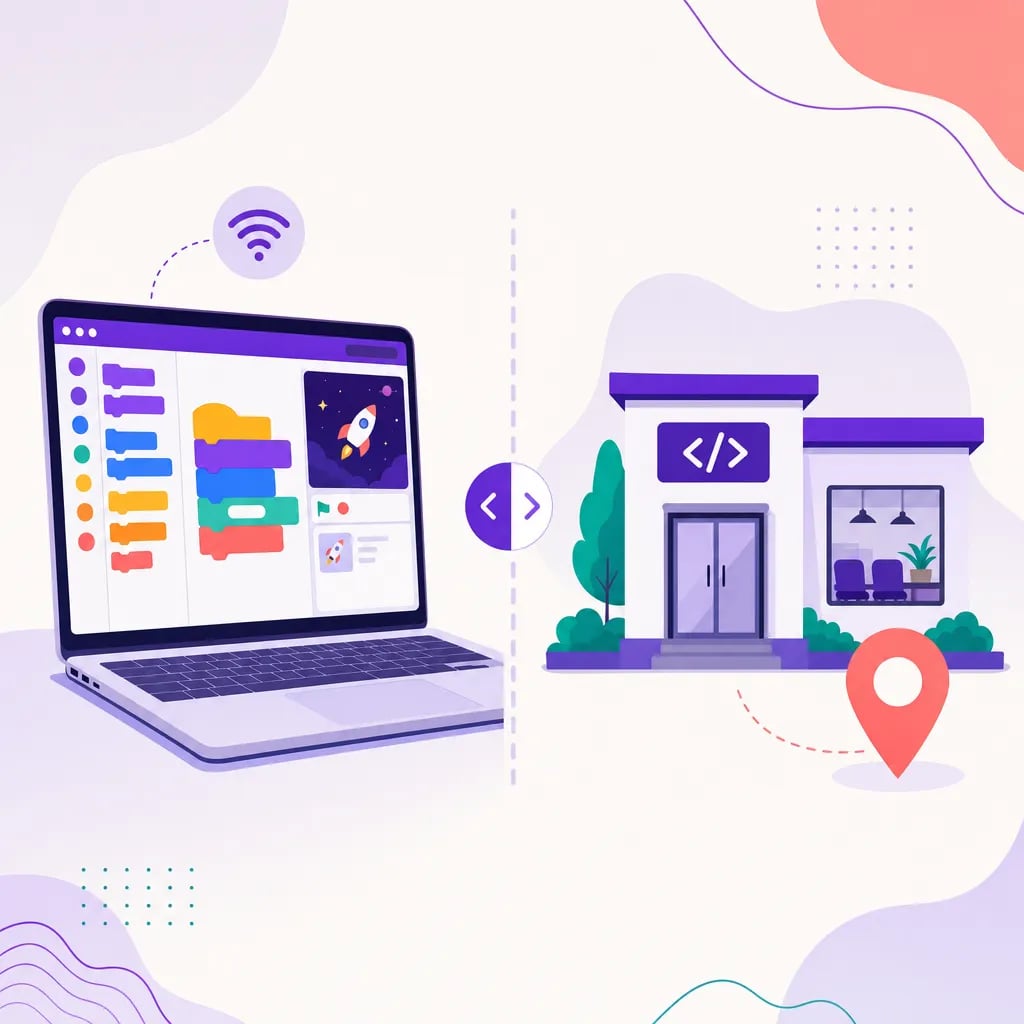
App development for kids means guiding children to build real, working apps step by step by age: block-based apps and animations on Scratch at ages 7-10, playable games in Roblox and Minecraft at 9-13, and web and mobile apps with Python and modern tools for teens 13+. At Algonova Malaysia, kids start with a free trial class and progress along this exact path with a live instructor guiding every project.
Many parents in Malaysia hear "app development for kids" and picture a 9-year-old writing the next TikTok. The reality is calmer, more structured, and far more encouraging: children build genuinely functional apps, but they start with tools designed for their age and grow into professional languages over time.
This guide explains what "app development for children" realistically means, how kids actually build apps at each stage, which tools they use, and how to get started.
When adults say app development, they mean designing, coding, testing, and publishing software. Kids do all of these things too, just at the right level of complexity.
A 7-year-old "builds an app" by dragging colourful blocks that make a character move, respond to taps, and keep score. That IS app development: the child is defining logic, handling input, and producing an interactive program. As kids grow, the blocks are gradually replaced with typed code, and the apps get more ambitious.
The key idea for parents: app development for kids is a ladder, not a leap. Nobody starts by building a banking app. Children climb one rung at a time, and each rung produces something they can actually play, show friends, and be proud of.
Here is the realistic progression most children follow.
Ages 7-10: Block-based apps and games (Scratch). Kids use Scratch, a visual coding tool from MIT, to snap logic blocks together. They build animations, quizzes, simple games, and interactive stories. There is no typing of complex syntax, so children focus purely on logic, sequencing, and problem-solving. By the end of this stage, a child can independently plan and build a small game with a scoreboard and multiple levels.
Ages 9-13: Playable games (Roblox and Minecraft). Once kids are comfortable with logic, they move to platforms where they build real, shareable games. In Roblox Studio they design 3D worlds and script gameplay with Lua; in Minecraft they use code to automate and create. This stage is powerful because children publish games that their friends genuinely play, which keeps motivation high.
Ages 13+: Web and mobile apps (Python and modern tools). Teenagers move into text-based programming with Python, then into web development (HTML, CSS, JavaScript) and the fundamentals behind mobile apps. At this stage they build calculators, chatbots, websites, and small mobile-style applications, and they learn the real workflow of a developer: writing code, finding bugs, and testing.
For a closer look at where this begins, see our guide to coding for kids in Malaysia and our Scratch coding for beginners walkthrough.
Parents often ask which tools are "real." All of these are used by real developers or are stepping stones to them:
Scratch teaches the logic of programming without syntax barriers, so kids grasp loops, conditions, and events early. Roblox Studio and Lua introduce real scripting inside a platform kids already love. Python is one of the most widely used professional languages in the world, powering everything from websites to artificial intelligence, and it is beginner-friendly. HTML, CSS, and JavaScript are the languages of every website, and they open the door to web and mobile app development.
The goal is not to master every tool at once. It is to build a strong foundation of computational thinking, then layer real languages on top as the child is ready.
Building apps develops far more than technical ability. Children learn to break big problems into small steps, a skill that helps in maths and science too. They practise persistence, because code rarely works the first time and debugging teaches calm problem-solving. They build creativity and confidence, because they make something real that others can use.
These are the same skills Malaysian employers and universities increasingly value, and they transfer well beyond programming.
Starting is simpler than most parents expect. You do not need to buy expensive equipment or know how to code yourself. A basic laptop or computer with internet is enough for the early stages.
The most effective approach is structured guidance rather than random YouTube videos. A clear curriculum, small projects, and a live instructor who reviews the child's work keep progress steady and motivation high. Children move faster when someone answers their questions the moment they get stuck.
The easiest first step is a free trial class with Algonova Malaysia, where your child builds their first small app with a live instructor and you see exactly how they respond to coding before committing to anything. From there, they follow the same age-appropriate ladder described above, at their own pace.
To explore the full learning path, visit our coding courses for kids page and book a free trial class to get started.
Children can start as early as 7 with block-based tools like Scratch, where they build simple apps and games by dragging logic blocks. Around 9-13 they move to building playable games in Roblox, and from 13+ they learn Python and web tools to build real web and mobile-style apps.
They build real, working apps. A young child's project is a genuine interactive program with logic and input, just built with age-appropriate tools. As they grow, they use professional languages like Python and publish games that friends actually play.
The common path is Scratch for logic and first apps, Roblox Studio with Lua for games, then Python and web languages (HTML, CSS, JavaScript) for web and mobile apps. Each tool is either used by real developers or a direct stepping stone to professional coding.
No. You do not need any coding knowledge. A basic laptop or computer with internet is enough for the early stages, and a structured course with a live instructor guides your child so you do not have to teach it yourself.
The easiest first step is a free trial class with Algonova Malaysia, where your child builds a small app with a live instructor. After that they follow an age-appropriate path from block coding to real programming at their own pace.
No. Building apps develops problem-solving, persistence, creativity, and confidence that help in maths, science, and school overall. These skills transfer far beyond programming, even if your child never becomes a professional developer.
Start your child's tech journey
Book your free 60-minute trial class with an Algonova certified tutor. No payment, no obligation, just discover what your child can build.

Algonova worldwide
Contact us
Email: int_legal@alg.team
Visit us
Suite 8634, 1021 E Lincolnway, Cheyenne, WY, Laramie, US, 82001
Algonova online LLC International tech school for kids and teens