December School Holiday 2026 Coding Plan for Kids 7-12: 4 Weeks From Scratch to Roblox

Learn Coding13 min read
Glossary

Hafiz Rahman
Coding Curriculum Team, Algonova Malaysia
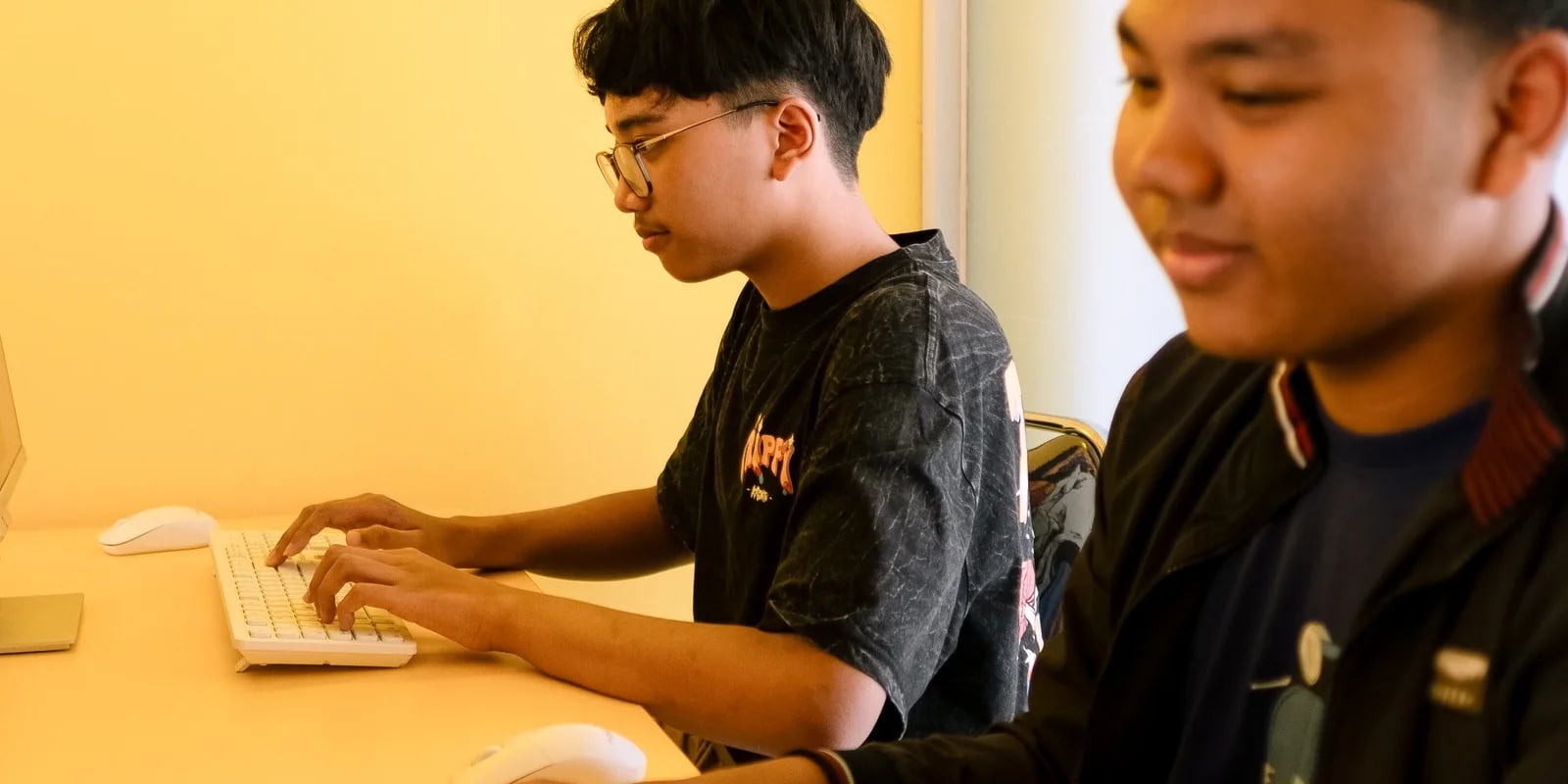
Robotics for kids is learning to build and program machines that sense the world and react to it, usually with a kit, a few sensors and simple code. Most children can start at around 7, once they can follow multi-step instructions and handle small parts. A robot is three things working together: a body that moves, sensors that notice things, and a program that decides what to do next.
Take a simple line-following car from a school kit. Its body is a frame, two motors and two wheels. Underneath sits a light sensor that tells dark from light. The program, often built from drag-and-drop blocks, says: if the sensor sees the black line, keep going; if it sees white, turn until the line comes back.
Change one number in that program and the car turns more sharply. Swap the rule and it avoids the line instead of following it. The hardware stays the same, and only the code changes. Children like this part most, because their idea moves on the table in front of them.
The word "robot" comes from the Czech robota, meaning forced labour. It first appeared in a 1920 play by Karel Čapek. Today it covers factory arms that assemble cars, robot vacuums at home and the small kits used in Malaysian school clubs.
Coding is writing instructions for a computer. Robotics uses those instructions to control a physical machine, so it adds mechanics and electronics on top of coding. A child can learn coding without robotics, but cannot do robotics well without some coding.
The practical difference for parents is equipment. Coding needs a laptop and an internet connection. Robotics needs a kit with motors, sensors and batteries, and in most homes pieces go missing within a few months. If your child is unsure, coding is the cheaper first step, and the logic carries straight over to robots later. Our comparison coding vs robotics for kids in Malaysia walks through cost, age and personality in more detail.
| Age | What fits | Example |
|---|---|---|
| 5 to 6 | Screen-free logic games, picture-based coding | ordering arrow cards, ScratchJr |
| 7 to 9 | Snap-together kits with block coding | a car that stops at a wall |
| 10 to 12 | Kits with several sensors, longer programs | a robot that sorts objects by colour |
| 13+ | Text code such as Python, microcontrollers | a small weather station or game controller |
Treat these ages loosely. A 6-year-old who builds with Lego for hours may be ready early. A 10-year-old who has never coded will still do better starting with blocks.
You do not need to buy an expensive kit on day one. A sensible order:
Kids learn to break a big task into small steps, test an idea, watch it fail and fix it. That loop of trying and debugging builds patience as much as technical skill. They also pick up programming logic, basic measurement and the habit of explaining why something did not work.
These are the same skills taught in Algonova's online coding classes for kids. We teach the coding side, the "brain" of a robot, live online in small groups, starting from visual blocks and moving to Python. Children aged 10 to 14 who want to see how smart machines make decisions can continue with our AI classes for kids. If you are weighing robotics against other tracks, the guide coding vs robotics vs game design compares all three. The easiest way to see how your child responds is a free 60-minute trial class.
Robotics for kids means building a small machine and writing a program that tells it how to move and react. A typical first project is a wheeled car with a distance sensor that stops before it hits a wall. The child connects the motors and sensor, then uses drag-and-drop code to set the rule: if the wall is closer than 10 cm, stop. Testing it, watching it crash, and adjusting the number is where most of the learning happens.
Most children are ready for robotics kits at around 7, when they can follow several steps in order and handle small parts. Five and six-year-olds do better with screen-free logic games or picture-based apps like ScratchJr, which build the same thinking without fiddly pieces. From about 10, kids can manage kits with several sensors and longer programs, and teenagers often move on to Python and microcontrollers.
No. Coding is writing instructions for a computer, while robotics uses those instructions to control a physical machine with motors and sensors. A child can learn coding without robotics, but a robot does nothing without code. That is why many parents start with coding: it needs only a laptop, and the logic transfers directly to robots later.
No. A child can learn the logic behind robots for free with tools like Scratch before you buy any hardware. Kits make sense once the interest has lasted a few weeks. Starting with screen-based coding also tells you whether your child enjoys solving problems step by step, which is the real skill a robotics kit trains.
Robotics gives children practical use for maths and science: measuring distances, timing movements and testing ideas. It also fits the design and technology thinking in the KSSR subject Reka Bentuk dan Teknologi (RBT). Children who have built and debugged a robot are usually more comfortable with the logic questions and projects that appear in upper primary.
Algonova teaches the coding side of robotics: the programming that makes a robot decide what to do. Classes run live online in small groups of up to 10 children. Kids start with visual block coding and move to Python, and children aged 10 to 14 can also take the AI course. A free 60-minute trial class shows which track suits your child before you commit.
Blog
Start your child's tech journey
Book your free 60-minute trial class with an Algonova certified tutor. No payment, no obligation, just discover what your child can build.

Algonova worldwide
Contact us
Email: legal@algonova.com