
Free Coding Trial Class for Kids in Malaysia: What Happens in 60 Minutes and How to Judge It
Coding Education7 min read
Coding Education

Hafiz Rahman
Lead Coding Instructor at Algonova Malaysia
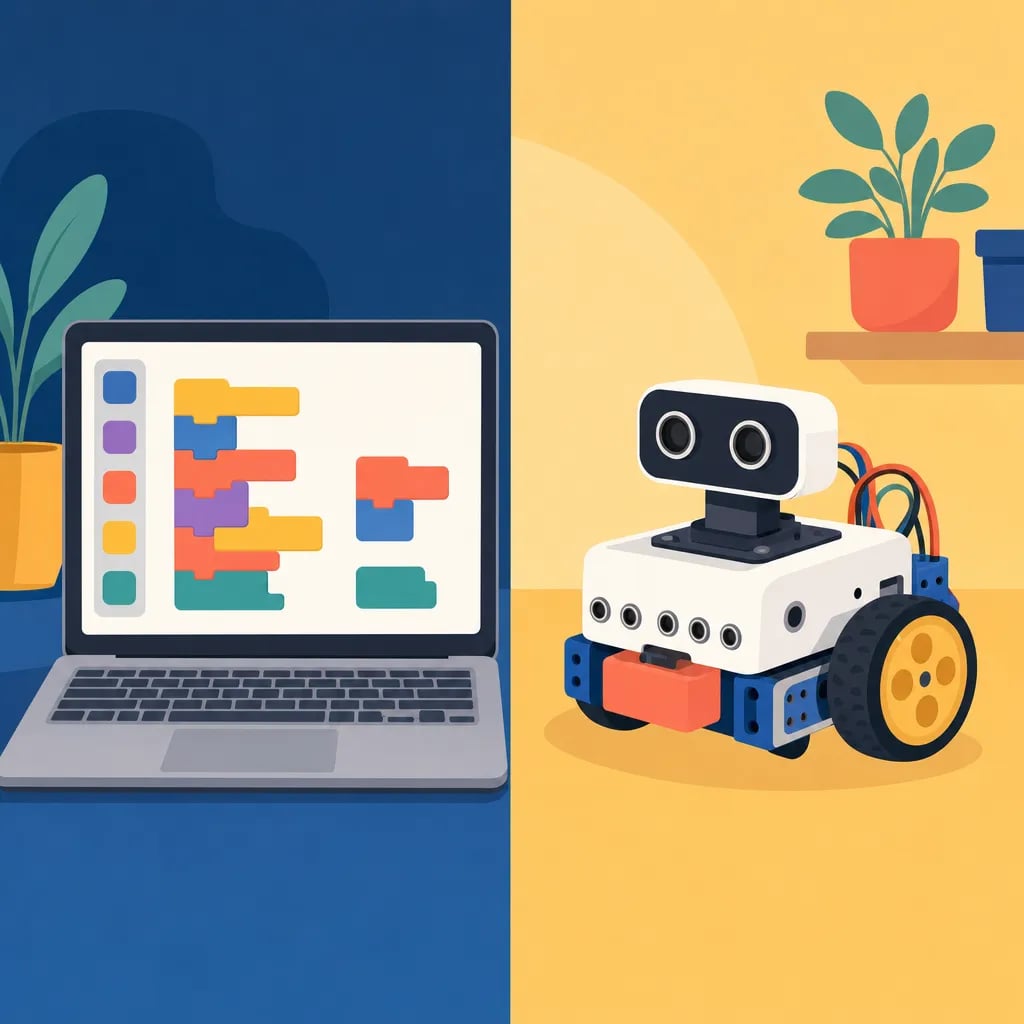
In programming, an event is an action or occurrence that a program can detect and respond to — such as a mouse click, a key press, or the start of a game — which then triggers a specific piece of code to run. Events let a program react to the user and the world instead of following one fixed path from top to bottom.
Table of Contents
Programs built this way are called "event-driven." Instead of running every line in order, the code waits, listens for something to happen, and runs the matching instructions only when that event occurs. The code that responds is often called an event handler.
Every event has two parts: the trigger (what happens) and the handler (the code that runs in response). In Scratch, the block "when green flag clicked" is an event — the moment a child presses the green flag, all the code attached below it starts running. Other Scratch events include "when this sprite clicked" or "when space key pressed." In Python, a game might use pygame.event.get() to check whether the player pressed a key or closed the window. A fun fact: modern apps handle thousands of events every second, from every tap to every scroll.
Events are how kids make their projects interactive — a cat that meows when clicked, or a score that rises when a coin is caught. Learning events builds the cause-and-effect thinking that STEM and Malaysia's KSSR curriculum encourage. Young coders can explore events in Algonova coding classes, or first learn what a variable is.
In programming, events are the moments a program can react to, such as a mouse click, a key press, or a timer running out. People also call these events in coding, and each one triggers its own small block of code to run. Building a project around events is what lets it respond to a child in real time instead of playing straight through from start to finish.
Curious minds can try a free trial lesson and build their first clickable project.
An event is something that happens — like a click or a key press — that a program notices and responds to by running a specific piece of code.
Pressing the green flag in Scratch, clicking a mouse button, typing a key, or a timer reaching zero are all events.
The event is the action that happens; the event handler is the code that runs in response to it.
Events make projects interactive and teach cause-and-effect logic, a core STEM and coding skill.
Blog
Start your child's tech journey
Book your free 60-minute trial class with an Algonova certified tutor. No payment, no obligation, just discover what your child can build.

Algonova worldwide
Contact us
Email: int_legal@alg.team
Visit us
Suite 8634, 1021 E Lincolnway, Cheyenne, WY, Laramie, US, 82001
Algonova online LLC International tech school for kids and teens

