No-code is a way to build apps, websites and automations without writing code, using visual interfaces where you drag and connect blocks or components instead of typing programming instructions.
Instead of writing lines in a language like Python, in a no-code tool you pick elements from a menu, drag them onto a canvas and set their behavior with clicks. The platform turns those visual actions into the real code running underneath.
How No-Code Works and How It Differs from Programming
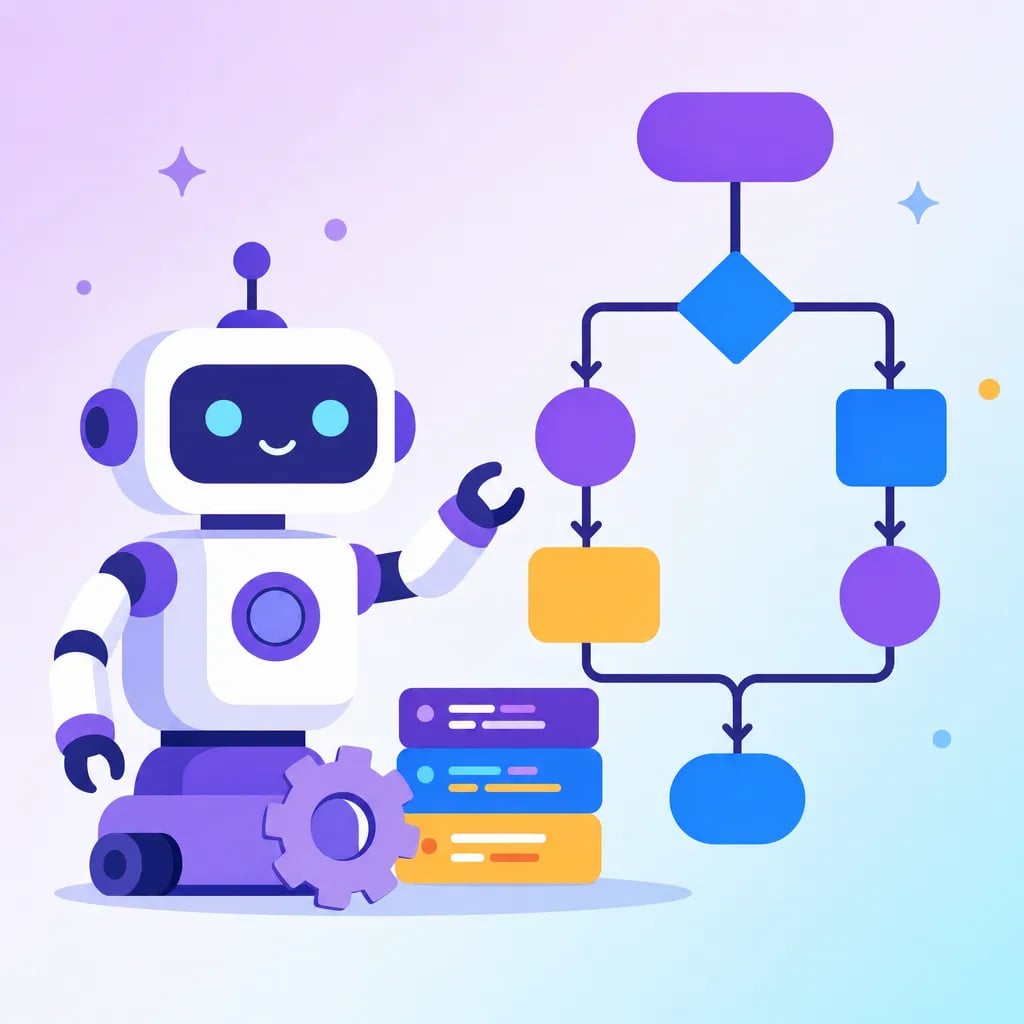
A no-code tool shows visual blocks that represent actions: "when someone taps a button", "show an image", "save a piece of data". A child snaps them together like puzzle pieces. It is the same idea as Scratch, where a child drags the "when green flag clicked" block and joins it to "move 10 steps" to animate a cat, without writing a single word of code. The difference from traditional programming is that in Python you would have to type sprite.move(10) and follow the exact syntax; in no-code, that logic already comes packaged inside a block. Concrete fact: no-code platforms like Thunkable or Glide let you publish a real mobile app to Google Play, and many companies build complete products without a single programmer.
Why It Matters for Kids
No-code lets kids build real projects (an app, a game, a website) before mastering syntax, which keeps motivation high and teaches them to think in logic and ordered steps. It is a natural bridge to text-based languages: in Algonova coding courses kids start with visual blocks and move toward Python. To understand the basic piece behind each block, check what is a variable.
Try a free class and watch your child build their first app without writing code.