
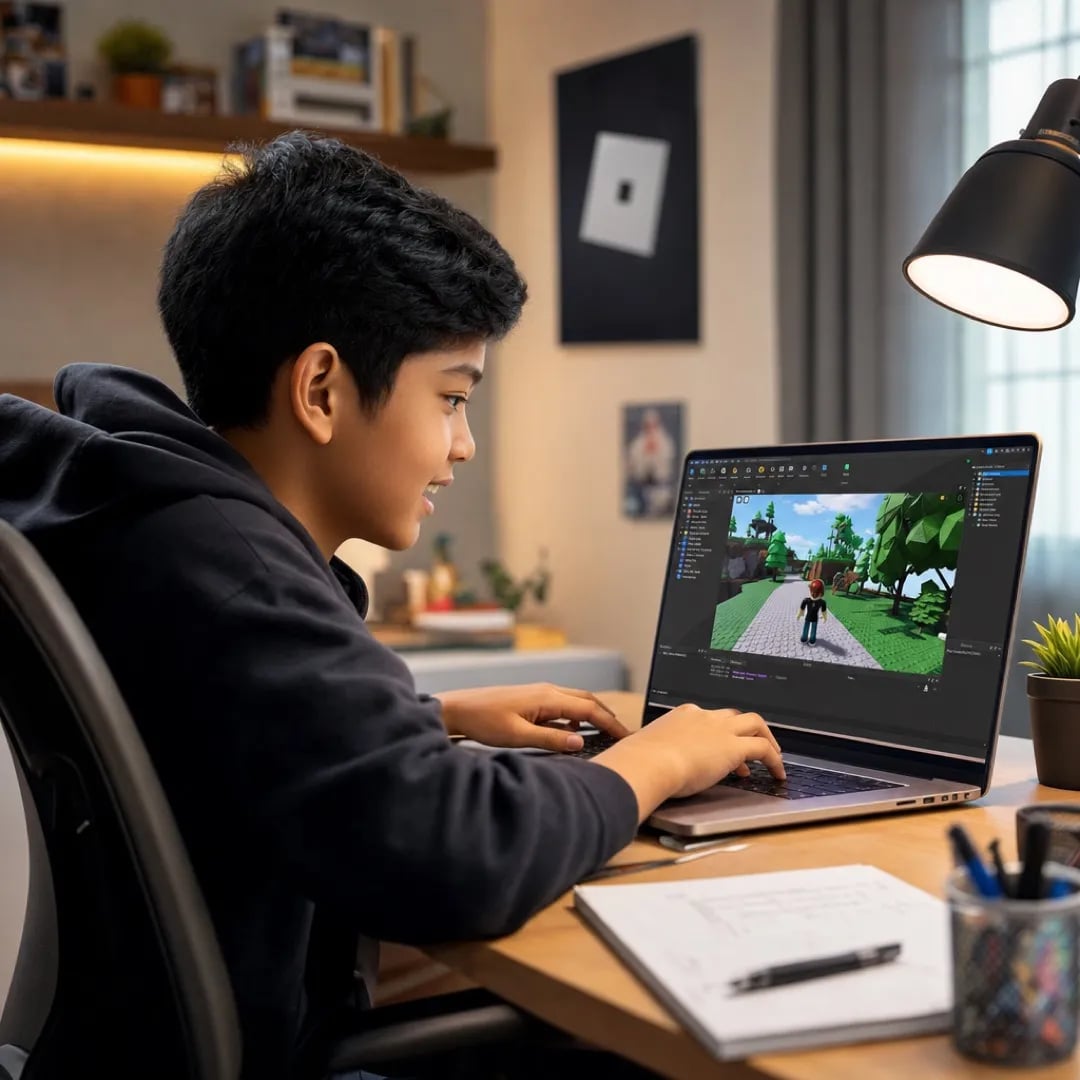








Bagas was the kid who couldn't sit through homework. Now he sits through 90 minutes of coding because the teacher actually engages him. The school benefit is real — focus transferred.

Mira Anjani
Mother of Bagas, 9 · Surabaya

Junior Coders · Ages 8–12
Coding course for primary school kids at Algonova for ages 8–12. Two paths: Scratch (Visual Programming) and Game Design with Roblox + Lua. Fits 8-year-old beginners and 10-year-olds going deeper. Python is available for students ready for the next level.
Why this age
Old enough for real tools
Scratch · Roblox Studio · Lua
8–12 year-olds can handle the same game design software real developers use — Roblox Studio with Lua scripting and full Scratch programming environment.
Young enough to fall in love with it
Discover, then develop
By 13, kids usually have a strong sense of ‘I’m good at this’ or ‘I’m not.’ We use the 8–12 window to help them discover whether tech is their thing — before that self-assessment hardens.
Built around their interests
Games, not theory
Most kids this age love games. We turn that love into skill. They build games — platformers, RPGs, multiplayer worlds — not just play them.
Program
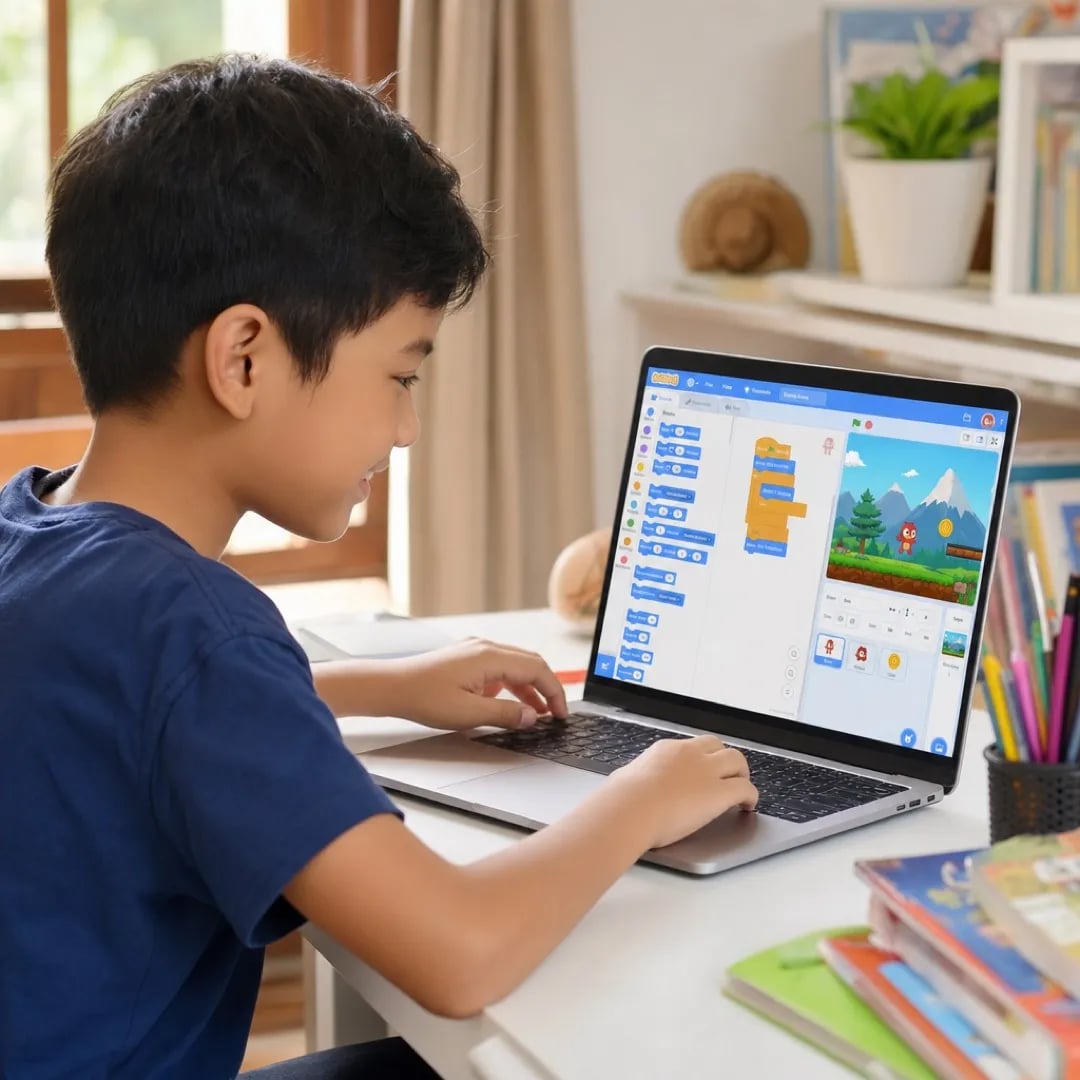
our mentors
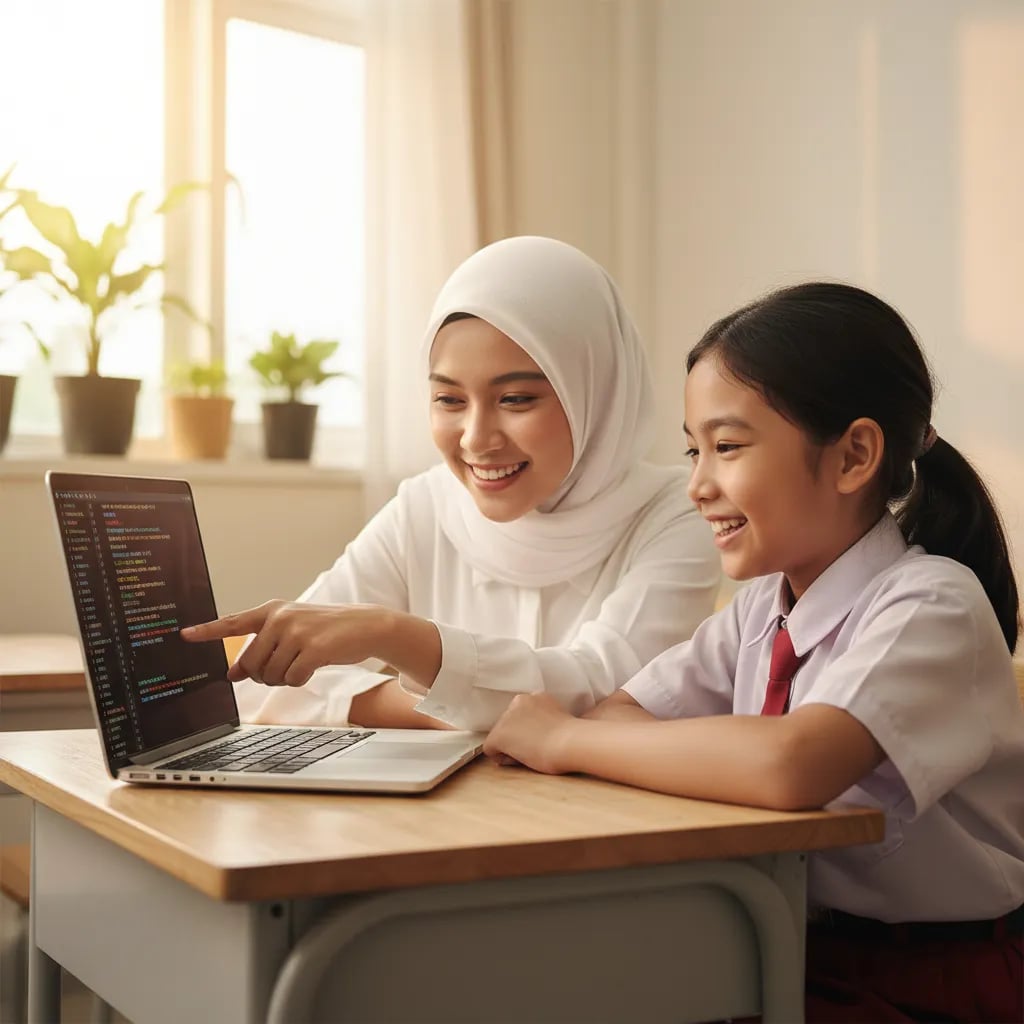
Ms. Farah turned my son's screen time into actual learning. He built his first Scratch game in week two and hasn't stopped since.

Siti Nuraini
Mother of Haikal, 9 · Jakarta
From parents of 8–11 year-olds
Bagas was the kid who couldn't sit through homework. Now he sits through 90 minutes of coding because the teacher actually engages him. The school benefit is real — focus transferred.
Mira Anjani
Mother of Bagas, 9 · Surabaya
We tried a self-paced coding app first. He quit in 2 weeks. With live teachers in a small group, he stuck with it — now he’s six months in and building his own game.

Heru Pranoto
Father of Damar, 11 · Bandung
The trajectory is the difference. They don't just teach — they show my daughter what’s next, so she has a reason to push through the hard parts.

Sinta Wijayanti
Mother of Kayla, 11 · Tangerang
How it works
01
1. Concept (15 min)
Teacher introduces today’s idea with a real example — not abstract theory.
FAQ

02
2. Live build (50 min)
Whole group codes alongside the teacher. Each child has their own project. The teacher catches errors in real time.
03
3. Present (15 min)
Each child briefly shows what they made. Public speaking practice, gentle.
04
4. Optional homework
A small ‘keep going’ challenge. Not required, but most kids do it because they want to.
Free 60-min trial · Laptop required
Visual Programming uses Scratch (block-based) and is the foundation — algorithms, logic, game design fundamentals. Game Design uses Roblox Studio + Lua (text-based) for 3D worlds and multiplayer games. Many kids take Visual Programming first, then Game Design.
Yes, sequentially. Most families do Visual Programming first (8–11), then Game Design (10–14). Each is 36 lessons (about 8–10 months at once-weekly).
Roblox Studio is the same software professional game developers use. Kids learn Lua scripting (a real programming language), 3D environment design, multiplayer mechanics, and game economy.
Yes. By 12, kids who completed Visual Programming and Game Design are ready for Python Start — they already understand algorithms, conditions, loops, and OOP.
Common. The trial class shows them what ‘making’ feels like. Most kids who try Roblox Studio in the trial want to make their own game by the end.
For Visual Programming: any laptop from the last 5 years. For Game Design (Roblox Studio): a mid-range laptop — most family laptops work, but very old machines might struggle.
Yes, live online with a real teacher in a small group of up to 7.
Yes, after each completed course — useful for school portfolios.
625 Orange Street, Suite 216A, Wilmington, DE, 19801
Algonova Global Inc © All rights reserved 2026
